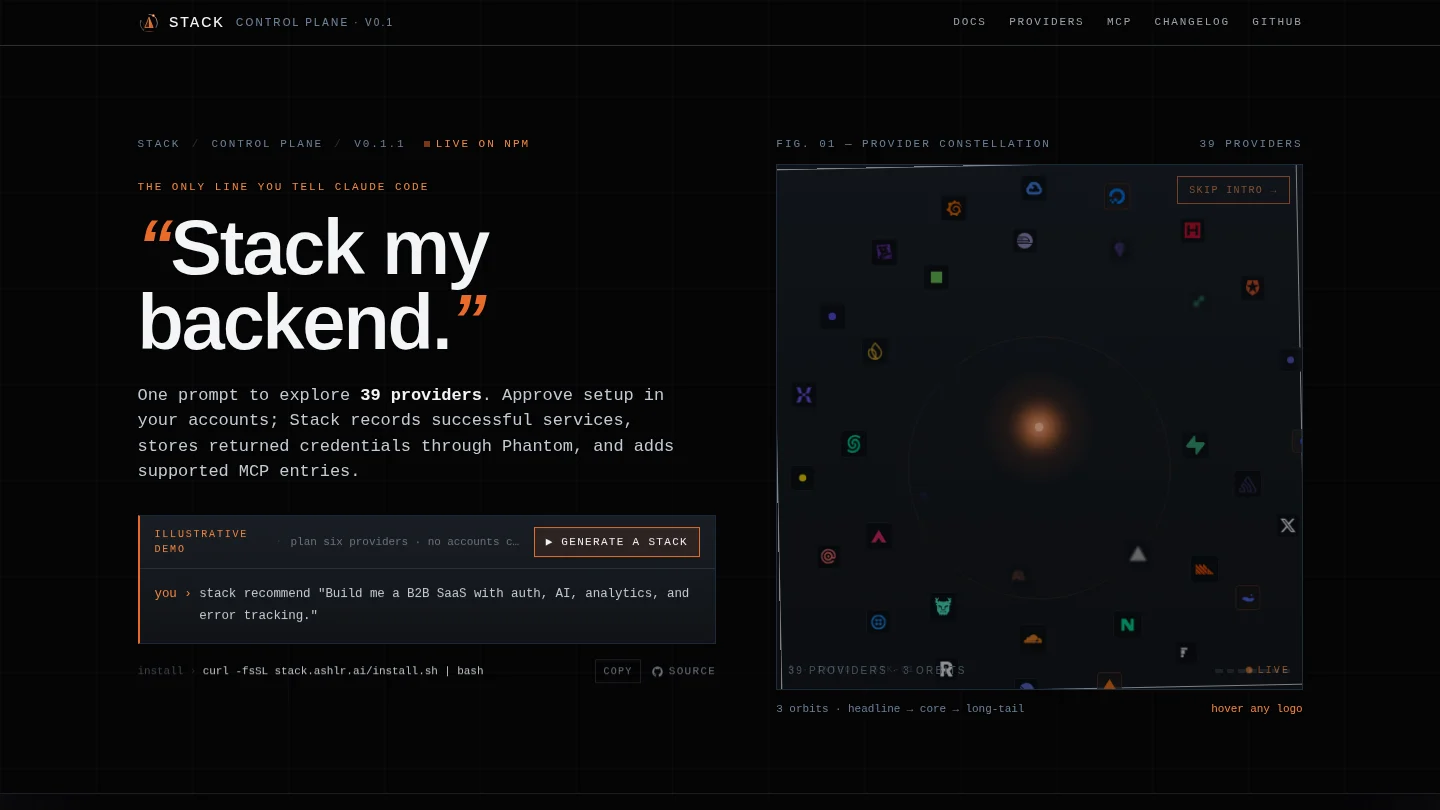


Ashlr Stack: set up your backend services with one prompt
Starting a project means an hour of clicking through dashboards and pasting keys. Stack does that setup from your terminal or your AI agent.
The field note
You create a new app. Then comes the boring hour. You make a database project and copy three keys. You make a hosting token. You set up error tracking, authentication and analytics. Each step has its own dashboard and its own place to paste a secret.
Ashlr Stack collapses that hour. You run stack init with a template, or tell your agent "stack my backend". Stack signs in to each provider with that provider's own login flow, creates what the adapter supports, and records the results. The keys it receives go into Phantom Secrets and Stack's configuration, and it adds MCP entries so your agent can use the services.